

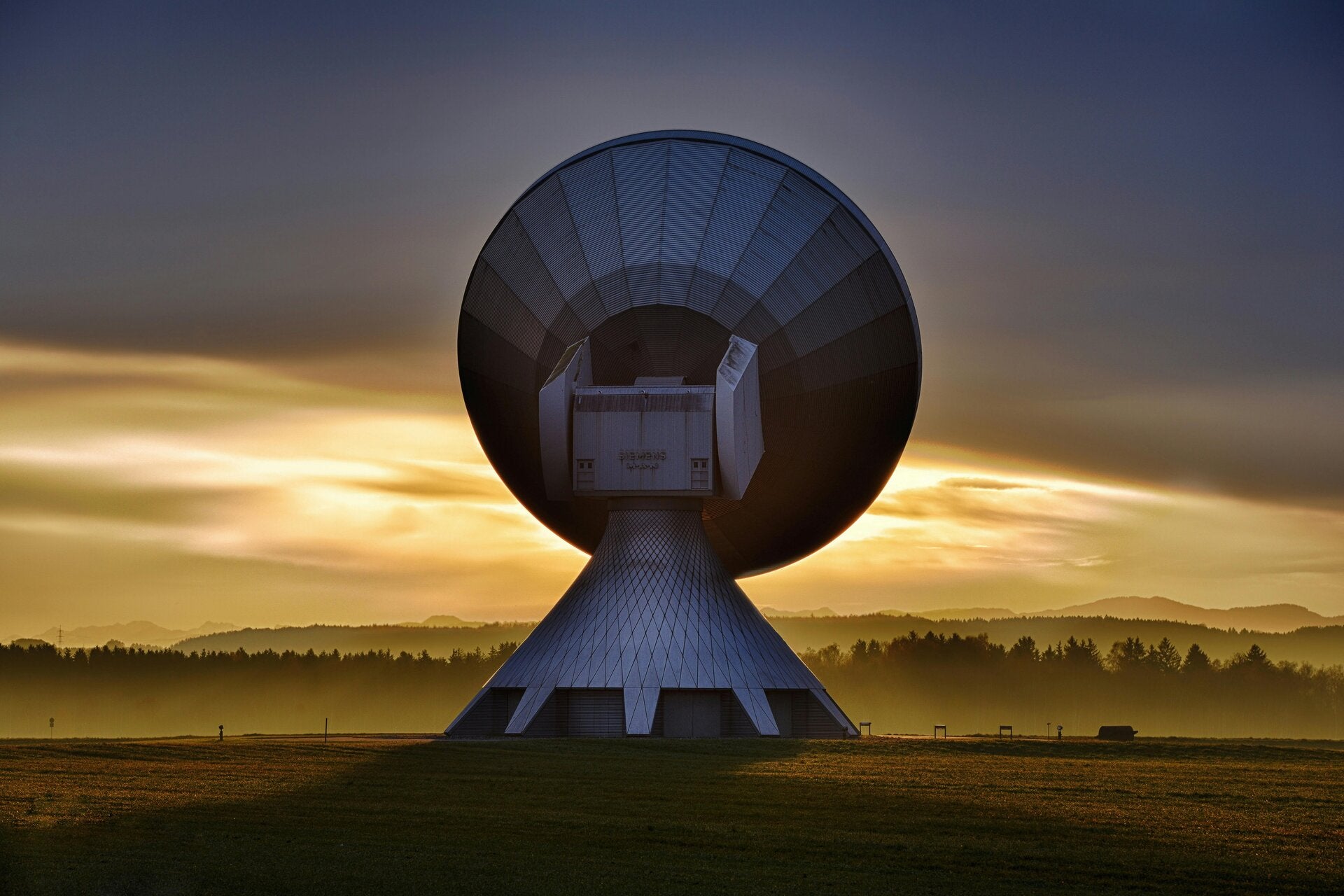
Satellite texting
In a survival situation, satellite texting connects you to rescuers or emergency contacts when out of cellular range. Devices route distress data through commercial relay centres or global satellite networks to coordinate search and rescue (SAR). [1, 2, 3, 4, 5]
Using satellite communication effectively requires specific knowledge of available devices and protocols to ensure a swift rescue. [1, 2]
1. Types of Satellite Communication Devices
- Smartphones (Emergency SOS): Many modern devices, such as the Apple iPhone 14 or later series and some Google Pixel and Android models, feature built-in satellite SOS. They are designed only for emergencies. They guide you through an on-screen questionnaire to text a commercial relay centre, which then dispatches local SAR. [1, 2, 3, 4, 5, 6]
- Two-Way Satellite Messengers: Devices like the Garmin inReach Mini 3 or the SPOT X offer full, two-way SMS capabilities. You can text directly with emergency responders, family, or SAR coordinators, providing updates on your condition and location. [1, 2, 3, 4, 5]
- Personal Locator Beacons (PLBs): Devices such as the ACR ResQLink 400 are not for texting, but they are the gold standard for survival. When activated, they transmit a direct distress signal via the Cospas-Sarsat system straight to government SAR authorities. [1, 2, 3, 4, 5]
2. Best Practices in a Survival Situation
- Trigger SOS Early: Do not wait until your situation becomes dire. Activate the SOS as soon as you are lost, severely injured, or stranded without an immediate way out. [1, 2]
- Provide Critical Details: When the device or relay centre asks for details, be concise. Include your exact coordinates, the nature of the emergency, how many people are injured, and your battery level. [1, 2, 3]
- Maintain Line of Sight: Satellite signals require an unobstructed view of the sky. Move to an open area away from heavy foliage, steep cliffs, or deep canyons. [1, 2, 3, 4, 5]
- Follow the Prompts: If you are using a smartphone, an on-screen graphic will direct you to pivot your body or hold your phone in a specific direction to maintain the satellite connection. Keep your device stationary while sending. [1, 2, 3, 4, 5]
- Conserve Battery: Once you make contact, turn your device off or put it in tracking/standby mode. Rescuers often take hours or days to reach remote locations, and you need to preserve battery for periodic check-ins. [1]
- Keep Messaging Minimal: Keep your texts brief to ensure they send quickly and to conserve your device's power. [1]